
Security Guard Daily Activity Report Template (Free Download + Examples)
Learn how security guard logbook software reduces lost reports, client disputes and liability risks, and what to look for in a digital solution.
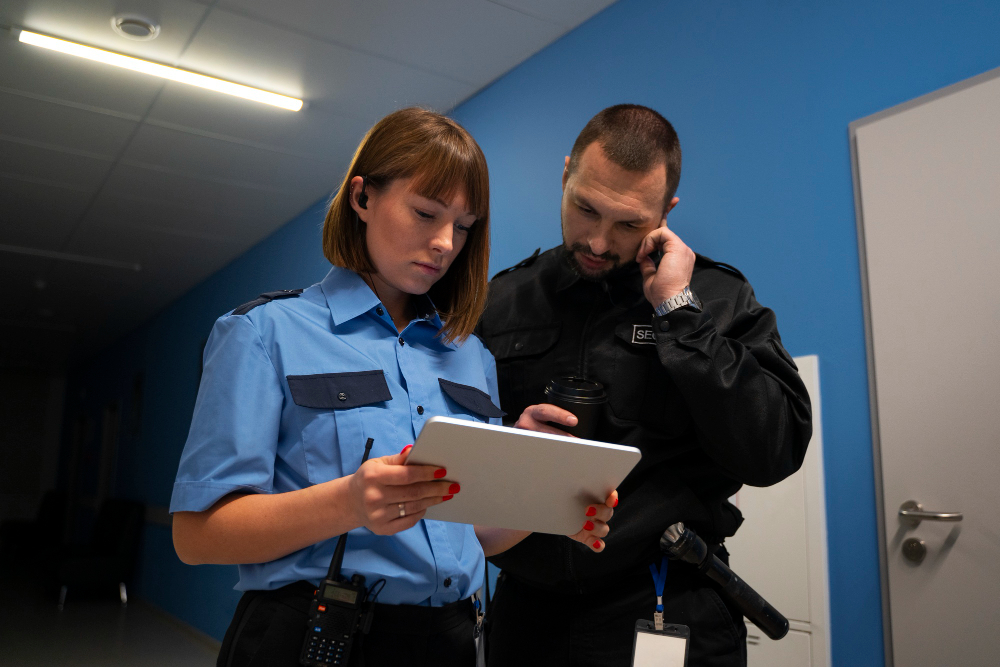
A daily activity report, or DAR, is the written record of everything a guard observed, did, and responded to during a shift. A clear, consistent DAR gives guards an accurate account of their shift, gives supervisors a reliable way to track site activity, and gives clients visibility into the coverage they're paying for.
Below is a free security daily activity report template you can download and customize today, real example entries, including a full completed shift and a breakdown of what to include, how to write one, and mistakes to avoid.
Free Security Guard DAR Template
Use this template to log patrols, incidents, visitors, and equipment checks without starting from a blank page. It covers all seven sections security companies expect in a DAR, including a sample patrol entry so you can see the format in action.
📥 DOWNLOAD THE FREE DAR TEMPLATE →
Download → Use → Customize
- Download the template using the link above.
- Use it as-is on your next shift to see how the sections fit your reporting needs.
- Customize the site name, patrol zones, incident categories, and equipment list to match your operation.
Example: What a Completed DAR Looks Like
Here's a realistic, fully filled-in shift report using the template above (names, sites, and incidents are fictional).
Patrol Log
Incident Entries
Visitor Log
Equipment and Vehicle Checks
End-of-Shift Summary
Three routine patrols completed, one minor incident (propped door, resolved on the spot), one contractor visit logged. Follow up on the flickering light in the east stairwell - maintenance not yet notified.
Signature: J. Ramirez, 03/12/2026 — Countersigned by supervisor K. Oduya, 03/12/2026
More Example Entries
A full shift report is useful, but it also helps to see how individual entries look on their own — for a quiet patrol, a minor incident, a visitor, or a shift handover:
Routine patrol — all clear 2:15 AM — Officer J. Ramirez. Completed patrol of north parking structure and loading dock, levels 1–3. No unusual activity observed. All exterior doors are secured. Lighting operational.
Minor incident — propped door 11:40 PM — Officer T. Nguyen. Found rear stairwell door (Building B) propped open with a trash bin. Removed obstruction, confirmed door latched and secured. No signs of unauthorized entry. Notified site supervisor via radio.
Visitor log entry 9:05 AM. Contractor M. Alvarez (ABC Plumbing) signed in for scheduled maintenance. Escorted to the mechanical room and signed out at 10:20 AM.
End-of-shift handover 6:00 AM. Shift summary: three routine patrols completed, one minor incident (propped door, resolved), one contractor visit logged. Incoming officers should follow up on a flickering light in the east stairwell - maintenance not yet notified.
What to Include in a Security Daily Activity Report Template
A strong DAR doesn't require polished writing, it requires the right information, captured consistently, every time:
- Header information - Officer name, badge number, date, shift start and end time, and site or location name.
- Patrol log - For each patrol, note the time, the area covered, what you observed, and any action you took.
- Incident entries - For anything beyond routine, log the incident type, time, who was involved, what action was taken, and whether a separate incident report is needed.
- Visitor log - Record each visitor's time in, name, purpose of visit, and time out.
- Equipment and vehicle checks - Note the condition of any assigned equipment and flag issues right away.
- End-of-shift summary - A short wrap-up of the shift's overall status and anything the incoming officer needs to know.
- Signature - Officer sign-off, with a supervisor countersignature where required.
How to Write a Strong DAR
A DAR and an incident report are often confused, but they serve different purposes. A DAR covers routine shift activity, patrols, visitor traffic, equipment checks, and minor notes that don't require escalation. An incident report documents a specific, notable event in detail: a break-in, injury, altercation, or anything else that falls outside routine activity. A propped door you found and secured is a normal patrol note; something more serious usually needs both a DAR entry and its own incident report. A shift's DAR can reference that an incident occurred and that a report was filed, but it isn't a substitute for one.
A few habits make entries easier to write and easier to trust later:
- Log entries as they happen, not from memory at the end of the shift times and details get fuzzy fast.
- Be specific, even when nothing happened. "Nothing to report" tells no one anything; note which areas were checked and when.
- Don't filter out small stuff. If it's worth noticing, it's worth logging.
- Get it reviewed. Workflows vary by company, but typically a supervisor reviews the completed DAR before it's passed to the client, and a copy is kept on file for internal recordkeeping. An unsigned or unreviewed DAR has no clear chain of custody, which makes it harder to treat as a reliable record later.
For more on tone and structure, see our guide to security officer report writing samples.
Common DAR Mistakes to Avoid
- Vague language - replace "nothing to report" with a specific all-clear entry that notes which areas were checked and when.
- Writing from memory - log entries in real time, not hours later.
- Skipping minor events - if it's worth noticing, it's worth logging, even if it seems small at the time.
- No signature or supervisor review - leaves no clear chain of custody, which can make it harder to treat as a reliable record later on.
Real-time entries solve most of these problems on their own, see how real-time incident reporting changes the accuracy of a report.
FAQ
Related Reading
This page is your main resource for the security guard daily activity report template. For related topics, see:
- Security Officer Report Writing Samples — real example entries and tone guidance for report writing.
- Security Guard Logbook Software: Why It's Time to Ditch Paper Reports — moving from a paper log book to a digital one.
- How Real-Time Incident Reporting Changes Report Accuracy — why logging entries live beats writing from memory.
Get Your Security Guard Daily Activity Report Template
Ready to put this to use? Grab the free template below and start your next shift with all seven sections already built in.
Download the Security Guard Daily Activity Report Template →
How Belfry Helps With Daily Activity Reports
Once a team outgrows manual write-ups, Belfry can take much of the daily reporting work off officers' plates:
- DARs are generated automatically from confirmed shift data, cutting down on end-of-shift write-ups.
- Guards add structured entries during the shift from a mobile app, each timestamped, GPS-tagged, and photo-supported.
- At shift end, entries are compiled into a formatted DAR and delivered to the client portal.
- Reports are stored and searchable, making it easier to pull up past records for a client, audit, or contract review.
- Teams managing multiple sites can view DARs across all locations from a single dashboard.
Conclusion
A clear, consistent DAR makes it easier to track what happened during a shift and gives clients an accurate record of the coverage they're paying for. Start with the free template above, and consider moving to automated reporting once manual write-ups start slowing your team down.
Book a Demo → to see how Belfry can help automate daily activity reporting for your team.

